Reports at a glance
See how the library is doing for any period, and find the report behind each number.
Who can do this: coordinators and admins. Trustees can read every report but cannot change anything.
Reports is one of the seven places in the sidebar. It has six tabs:
- Overview: six headline numbers and a chart of loans per week.
- Saved reports: four ready-made reports you can export to a spreadsheet.
- Sessions: each session's loans, returns, people and takings, with its cash-up.
- Money: what was charged and paid, how people paid, and Gift Aid.
- Funder report: a printable page of real numbers for funders and trustees.
- Audit log: a permanent record of sensitive changes.
Steps
- Choose Reports in the sidebar. On a phone, it is under Menu in the bottom bar. The Overview tab opens.
- Choose the dates you want to look at in From and To, then press Show.
- Read the six tiles: Active borrowers (households who borrowed in the twelve months up to the end of your period), Loans, New members, Renewal rate, Overdue rate and Earned income.
- Click any tile to open the report its number comes from. For example, Overdue rate opens the Operations report, and Earned income opens Money.
- Look at the Loans per week chart below the tiles to see busy and quiet weeks.
- To look at one site only, choose it in the site switcher in the top bar, for example Hollowbrook Community Centre.
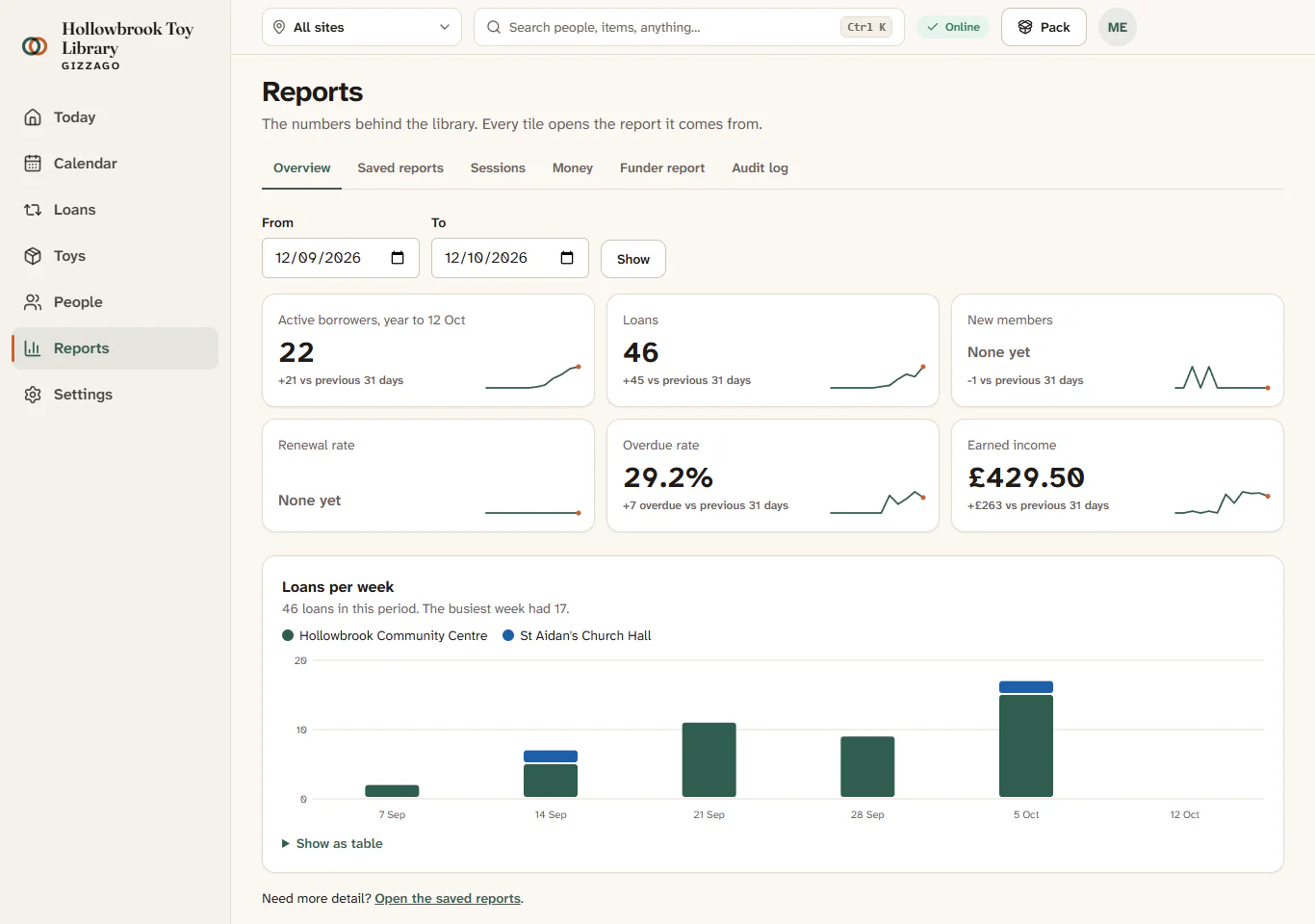
Six tiles, each with a number for your period, and a bar chart with one bar per week. If nothing happened in the period, the chart says "No loans in this period."
Reports on Today
Today, your home page, has a Trends, last 30 days area with the same six tiles. It is folded away for coordinators, so the jobs come first, and open for trustees. Each tile opens its report.
Keeping families anonymous
Where a report breaks numbers down, any count from 1 to 4 is shown as "fewer than 5", so that no family can be picked out. A count of 0 is shown as 0.
What Reports does not do yet
You cannot build your own reports yet. If you need numbers that are not here, export a saved report, or a list from People, and work with it in a spreadsheet.