Signing in
Get into Gizzago with your password or a link we email you.
Who can do this: everyone with an account: members, volunteers, coordinators, admins and trustees.
Each library has its own address, for example hollowbrook.gizzago.com, or the library's own web address such as
borrow.yourlibrary.org.uk. You sign in on your library's address, not on gizzago.com.
Steps
- Go to your library's site and choose Sign in at the top of the page.
- Type your Email address.
- Either type your Password and press Sign in, or press Email me a link instead.
- If you chose the link, open the email from your library and press the link in it. It works once and only for a few minutes, so use it straight away.
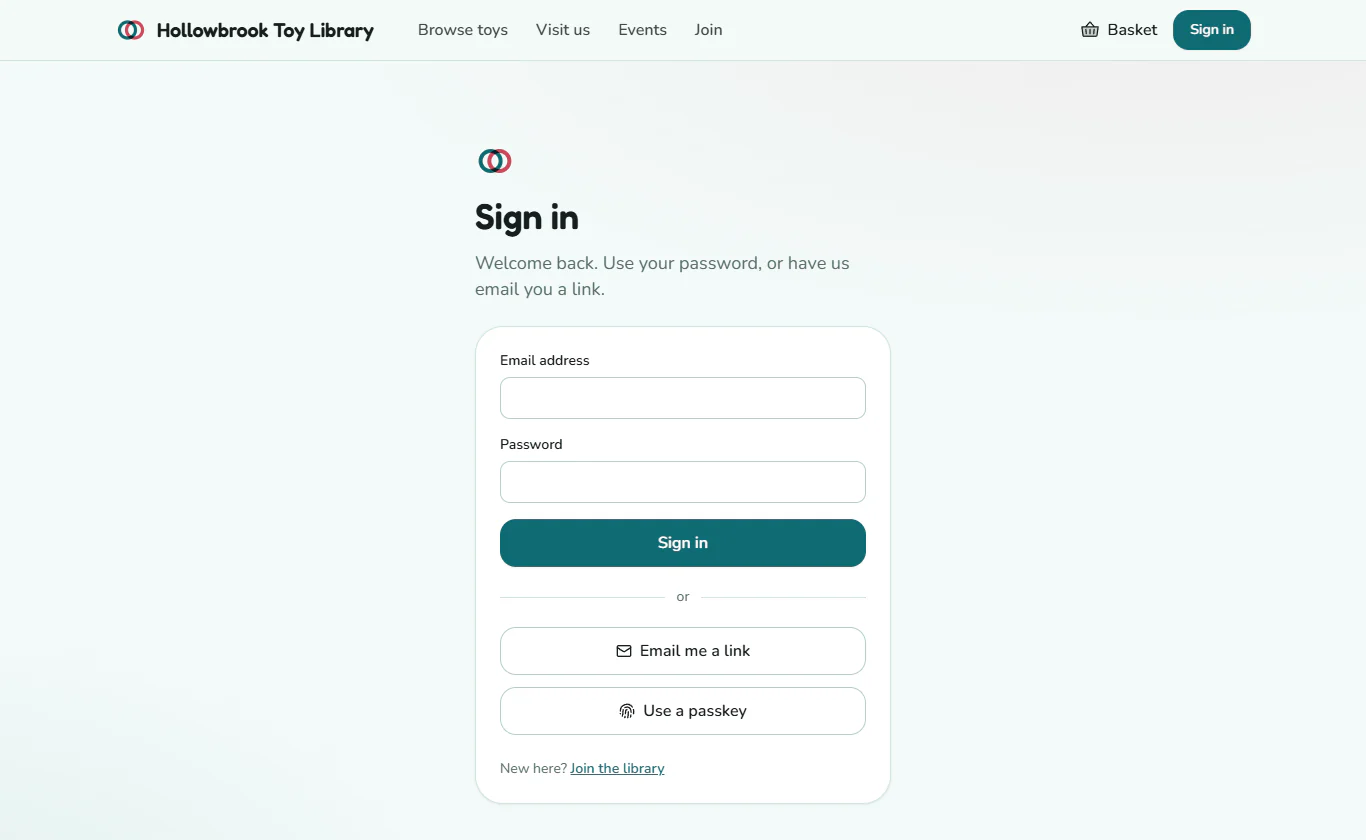
Gizzago takes you to the right place for your role:
- Members land on their account page (loans, reservations and renewals).
- Coordinators, admins and trustees land on Today.
- Catalogue volunteers land on Toys > Add toys.
- Desk volunteers usually do not sign in here at all: they use their PIN on a desk tablet (see Unlock the desk and start a session).
The first time you sign in as staff
You will get an email inviting you to the library's team. Press the link, choose a password (at least 10 characters: a few random words make a good one), type it again, and you are in.
Coordinators and admins look after people's details and money, so they should add a second step to their sign-in as soon as they are in. Open your account menu (your name, top right), go to your account's Security page and add a passkey (your phone or computer's fingerprint, face or PIN) or an authenticator app. Admins can see who has done this in the team list in Settings > Team and devices. See Passkeys and two-step sign-in.
If you have forgotten your password
Press Email me a link on the sign-in page. Once you are in, go to your account's Security page to choose a new password.
Members joining for the first time
New families do not need an invitation: they press Join on the library's site and create their sign-in as part of joining. See How members join.
You can add a passkey to your account today on the Security page. Signing in with Use a passkey on the sign-in page itself is not switched on yet; use your password or an emailed link.