Bookings and waiting lists
Understand how families book event places, and add or cancel bookings for them.
Who can do this: anyone can book from your public site. Coordinators and admins can add and cancel bookings.
Steps
How a family books
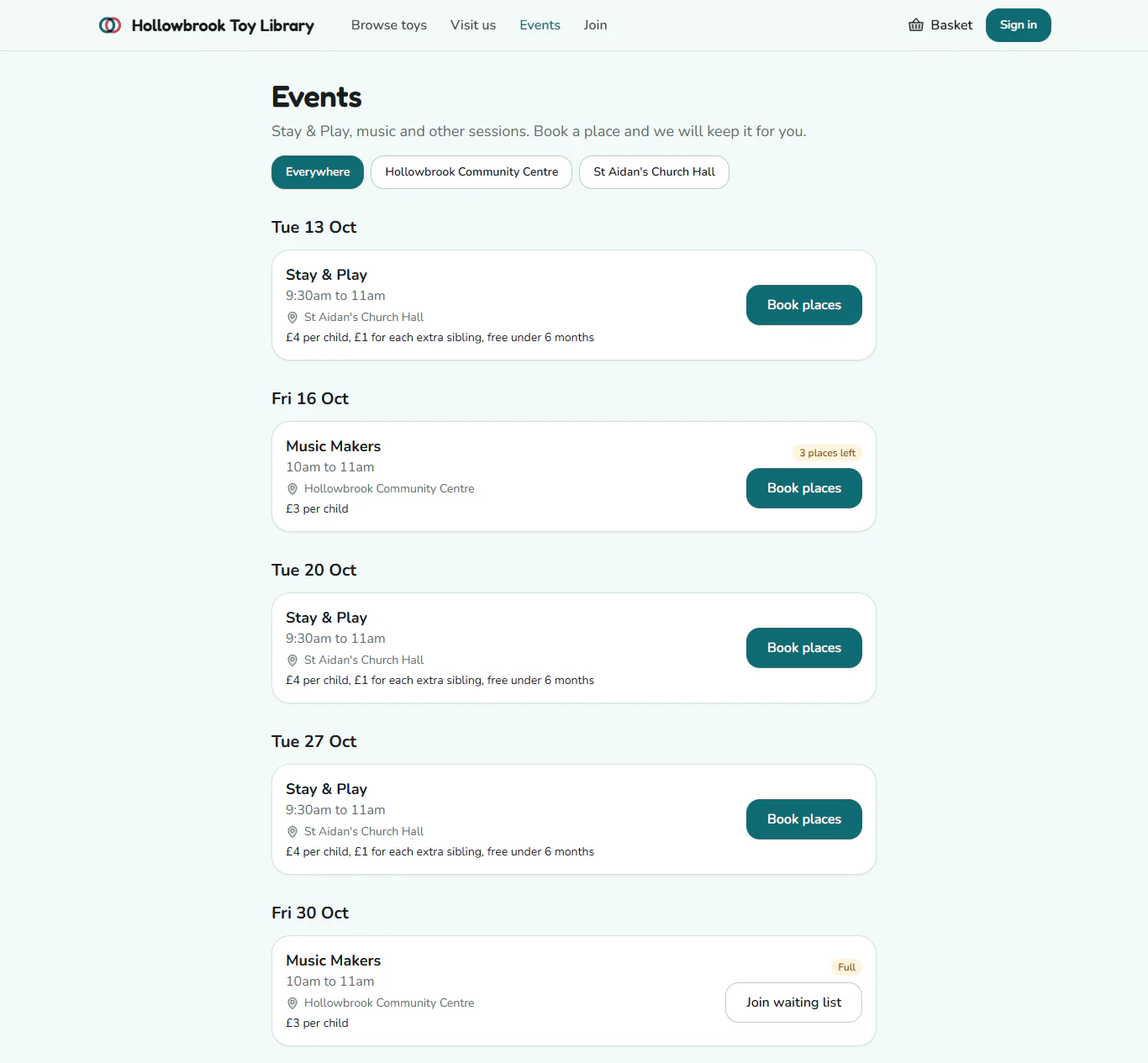
- On your public site, the family chooses Events in the header. Each coming event shows its date, place and price, and a button: Book places, Join waiting list when it is full, or "Just turn up" for a drop-in.
- They press Book places on the date they want.
- They fill in how many Adults and Children are coming. Each child takes one place.
- If they are not signed in, they add their First name, Last name and Email. Members who are signed in skip this.
- They press Book now.
The family sees "You are booked in" and what they owe, for example "£3 to pay on the day". Gizzago emails them a confirmation, and a reminder the day before the event.
The waiting list
When every place is taken, the button changes to Join the waiting list. The family fills in the same form and presses Join waiting list, and sees "You are on the waiting list".
If someone with a place cancels, the first person on the waiting list is booked in automatically and emailed to say a place has come up. You do not need to do anything.
Add a booking taken by phone
- Open the event date from the Calendar and choose the Bookings tab.
- Press Add booking.
- Fill in First name, Last name, Email, Adults and Children.
- If the event is full but you want to squeeze them in, tick Book them in even if it is full.
- Press Add booking.
Cancel a booking
- On the Bookings tab, press Check in on the person's row to open it.
- Press Cancel booking, then Cancel booking again to confirm.
You will see "Booking cancelled". Any unpaid charge is cleared, the family is emailed, and the next person on the waiting list gets the place. To take someone off the waiting list, press Remove, then Remove from list.
Families can cancel their own booking too, with Cancel booking on the booking page linked from their confirmation email.
Where else bookings show
Each person's page in People has a Bookings tab with every event they have booked.